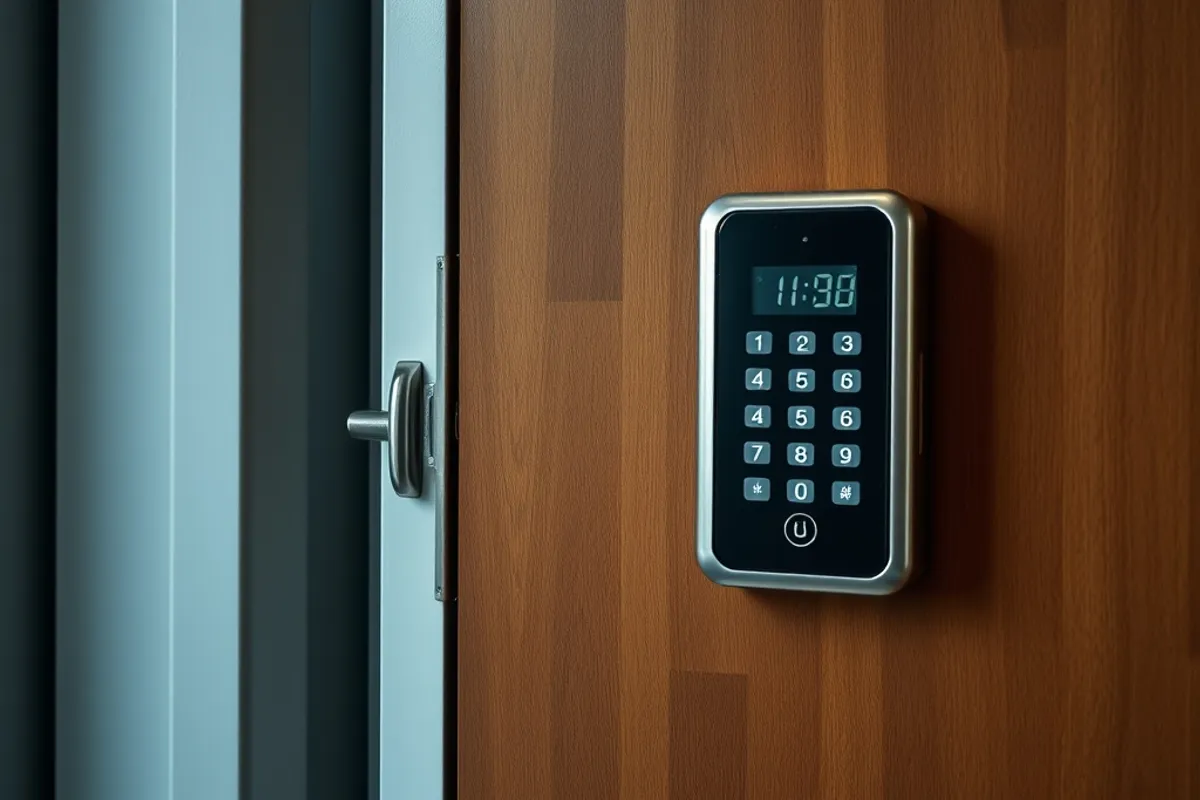
How far the rollout went
By 2026 passkeys are offered by most large consumer services and a growing number of workplaces. The sign-in flow usually asks for a face scan, fingerprint or device PIN, and the underlying credential never appears as text you can type or repeat. For everyday accounts the experience is faster than a password plus a code.
That progress is uneven. A service may support passkeys on a phone but not on a desktop browser, or offer them only after a traditional sign-in has already succeeded. The result is a mixed landscape where the old password still sits underneath the new feature. The wider device trend is covered in our local AI report.
Why phishing resistance matters
A password works anywhere it is typed, which is why a convincing fake page can steal it. A passkey is bound to the real site's domain, so a lookalike page cannot obtain a usable credential. Even if a user is tricked into starting the flow, the browser will not offer the passkey for the wrong address.
This is the strongest argument for the change and the reason security teams are pushing it. Notifications, company policies and new hardware keep changing, but the basic protection stays the same. For a related look at everyday account habits, see our device report.
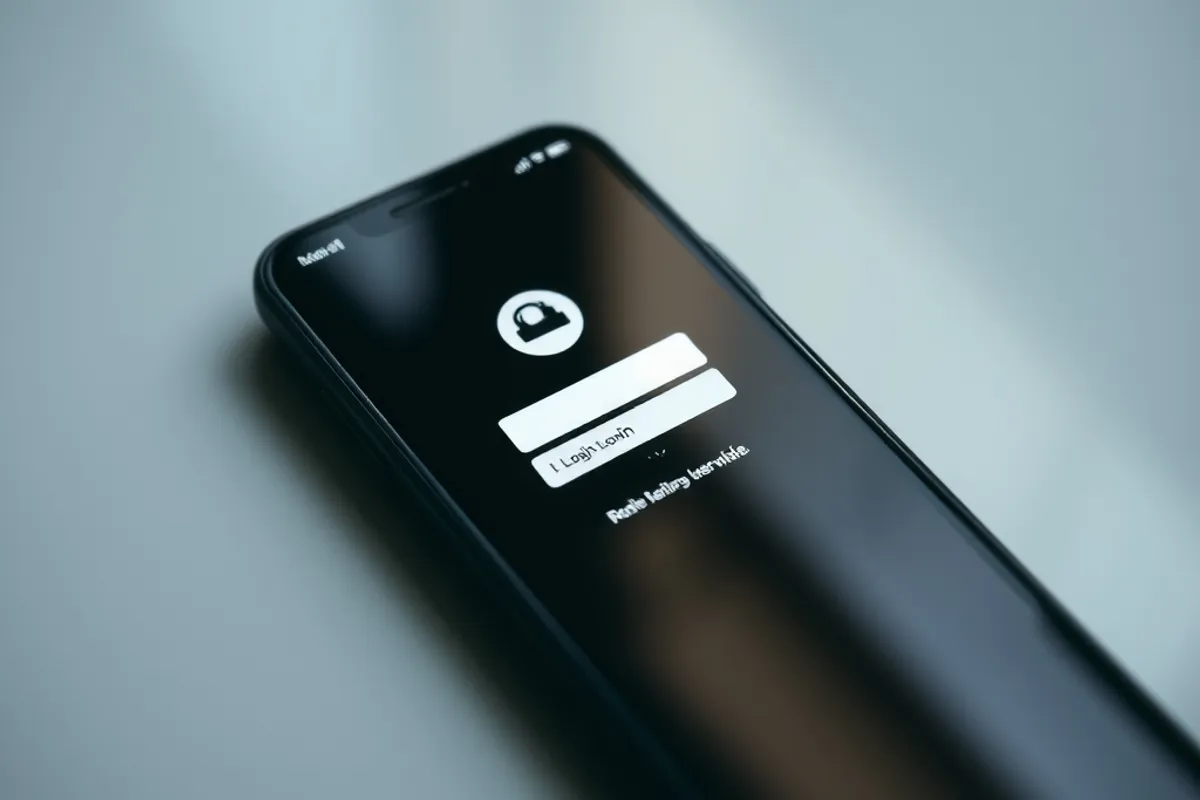
Sync is good inside one ecosystem
When a passkey is saved in a vendor's password manager, it can appear on the other devices signed into the same account. A new laptop can often sign in without any setup beyond approving the first prompt. That convenience is what made passkeys practical for ordinary users rather than only for security enthusiasts.
The catch is the boundary of that ecosystem. Moving to a different provider, or using a platform that does not share the same vault, can mean enrolling again on each service. Before switching devices, check which passkeys are synced and which are tied to a single machine.
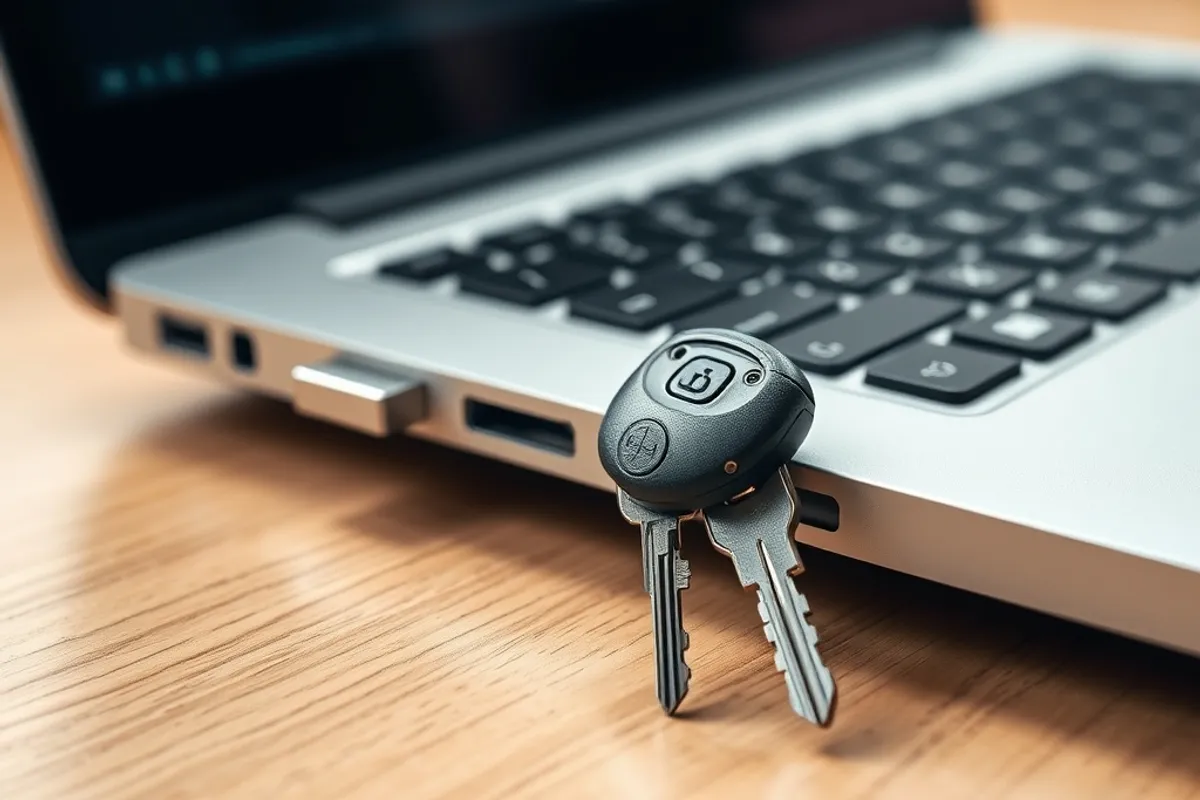
A passkey removes the thing people forget; it does not remove the need to plan for losing the thing they carry.
The recovery gap
Losing every device that holds a passkey can be awkward. Services solve this in different ways: a second device, a printed code, a recovery contact, or a return to the old password. Some of these routes are well documented; others appear only after an account is already locked out.
Set up a recovery method while access is still easy, and store it somewhere separate from the device itself. For a work account, confirm the process with the administrator rather than assuming that IT can reset it quickly. Recovery, not sign-in, is where most of the remaining risk sits.
Shared and public devices
A passkey saved on a shared family computer can let the next person into a personal account. Browser profiles help, but they depend on everyone using the right profile at the right time. On a public machine, saving a passkey is usually a bad idea regardless of how convenient the prompt appears.
The safer pattern is to approve sign-in from a personal device while the browser shows a temporary code. Check that the session ends when you leave, and remove saved credentials from any machine that is not under your control. This is one area where the old habit of logging out still matters.

Advice for a careful rollout
For an individual, start with the accounts that matter most and keep a working recovery method for each. Do not delete every password at once; keep it as a fallback until the passkey has been tested on a second device. That staged approach avoids a lockout caused by a single failed sync.
For an organisation, begin with a small group, document recovery before launch, and measure how often people fall back to the old method. A rollout that removes phishing risk but creates support tickets is not a finished project. Passkeys are a better front door, but the house behind it still needs a plan for lost keys and rising costs, as our price basket report notes about household budgeting.